
Airport Scan to BIM
Location
Missouri
Category
Airport
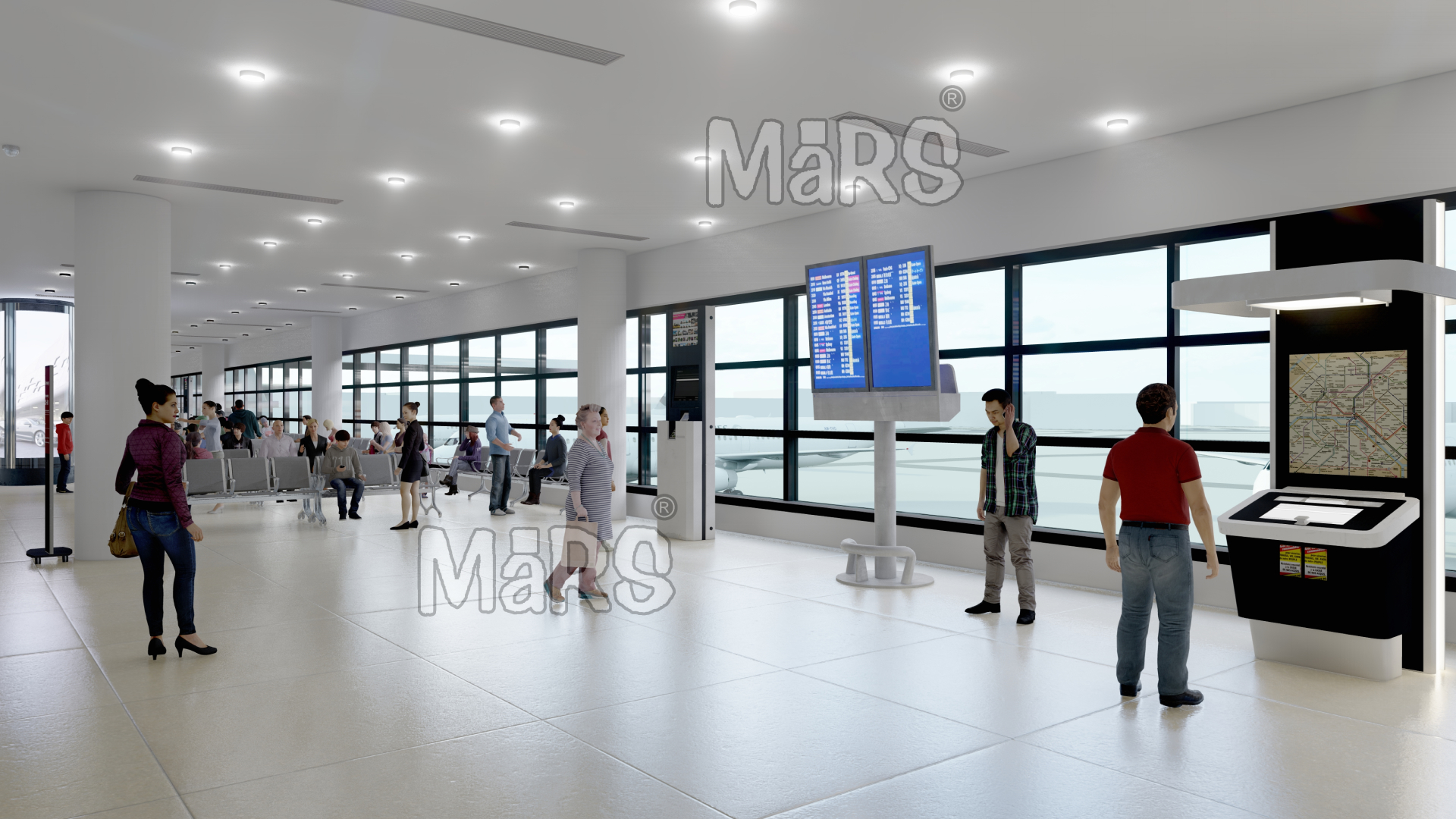
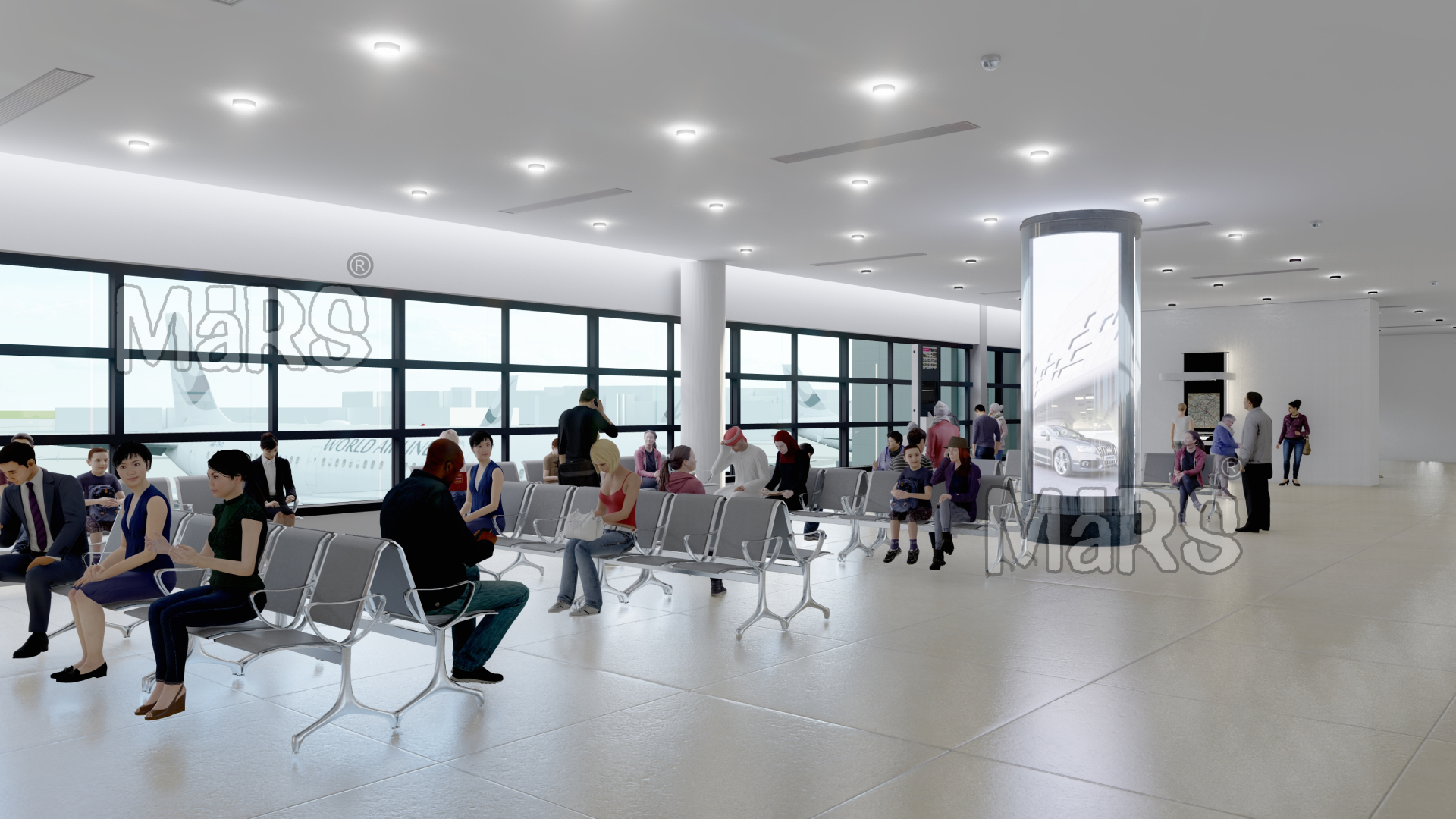
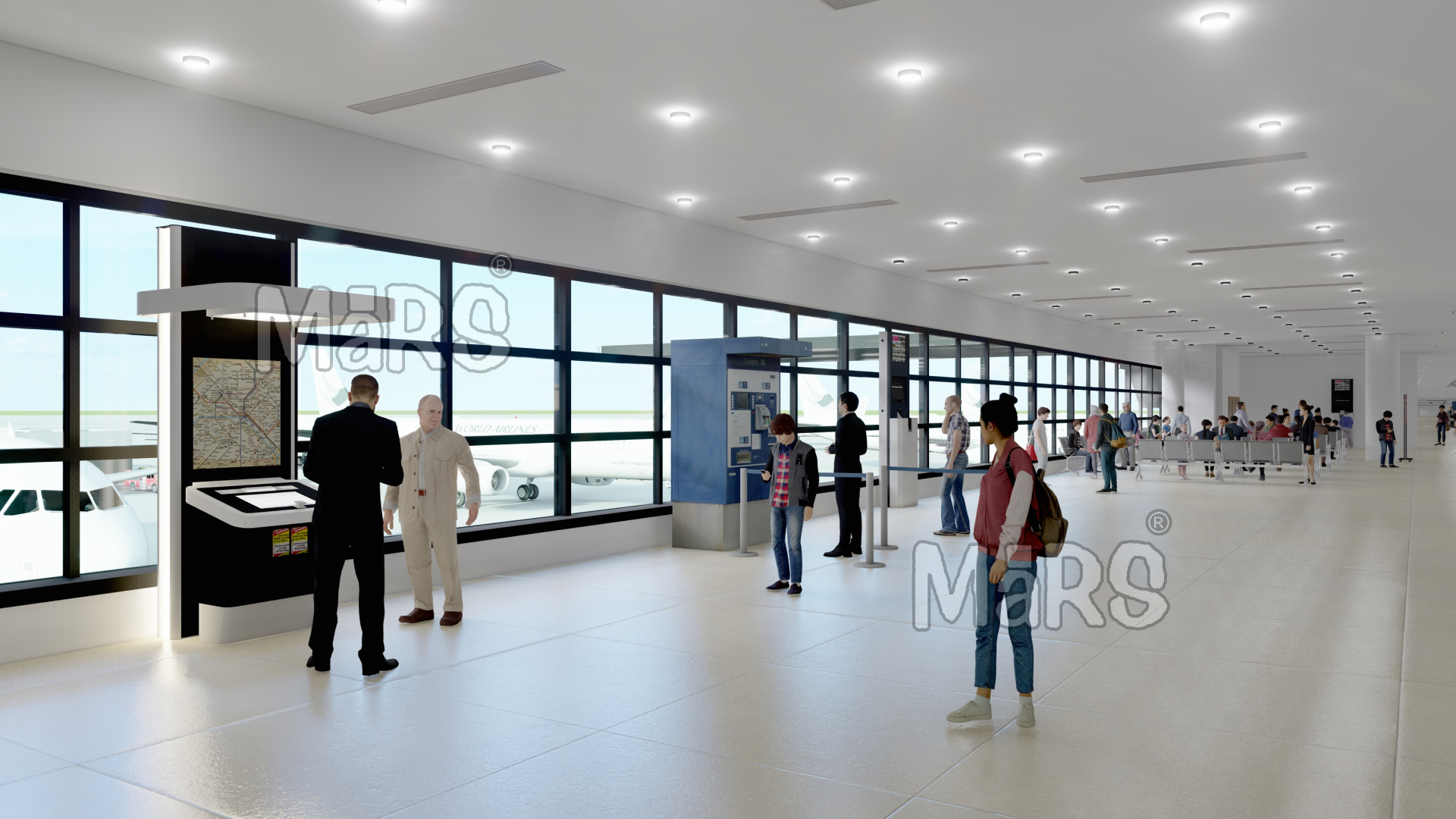
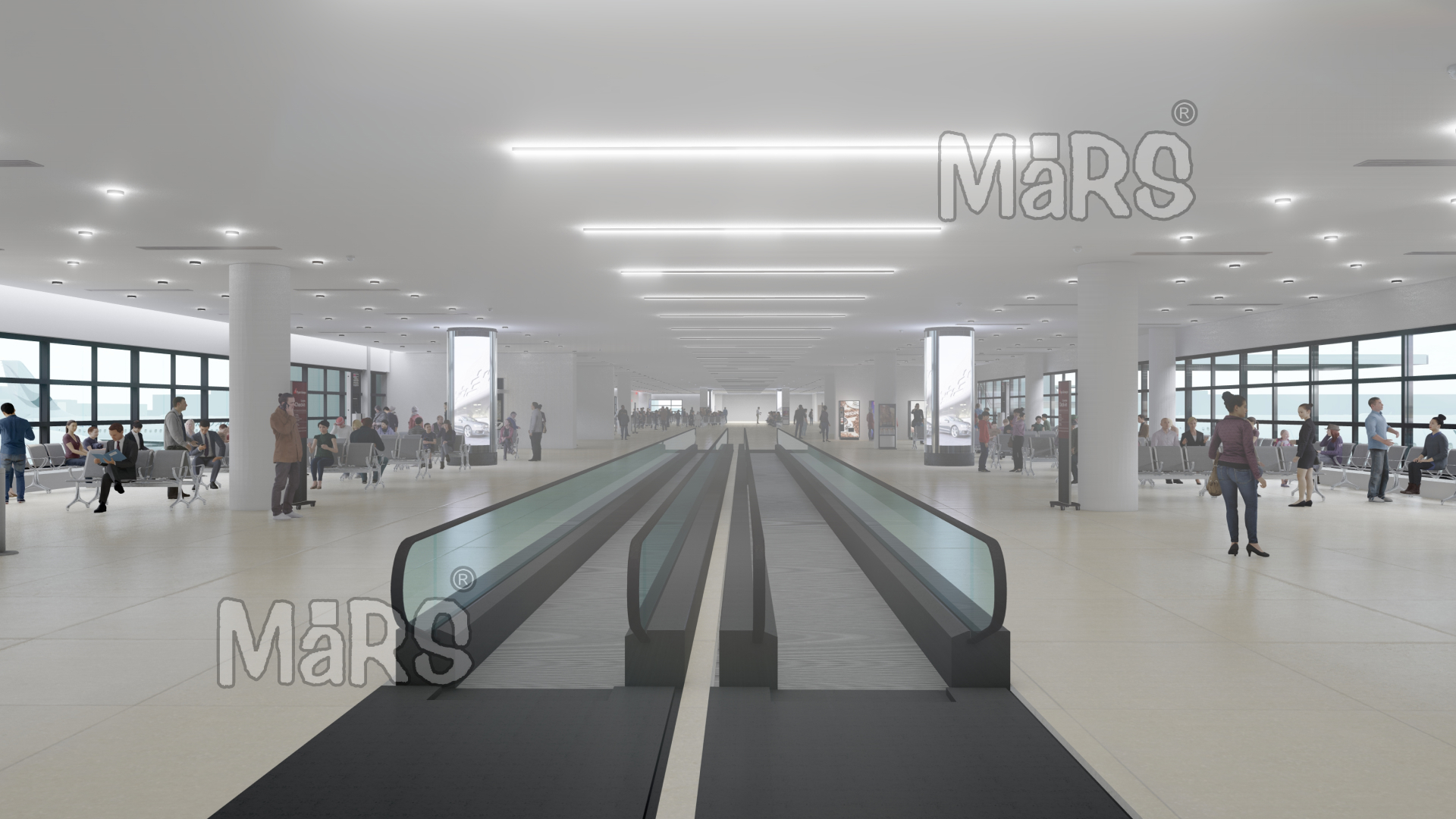
Scan to BIM for Airport Terminals
Scan to BIM Solutions completed a Scan to BIM project for a large international airport. The facility included terminal buildings, service corridors, waiting areas, and baggage handling zones. The airport management needed an accurate as-built model to support renovation, expansion, and facility planning.
The airport had no updated digital drawings. They needed a 3D model to capture existing site conditions. The goal was to plan upgrades without interrupting ongoing operations. Our client used our Scan to BIM service to visualize spaces, review layouts, and manage systems with precision.
We created a detailed BIM model to show all structural and architectural elements. The client used this model to improve space planning and upgrade workflows.
Solutions
Our team received point cloud data captured from laser scanning. We imported the data into Autodesk Revit. We modeled all visible components like walls, columns, floors, ceilings, and gates. We followed LOD 300 standards to meet design accuracy.
We used Navisworks to perform clash detection and quality checks. We ensured that all zones like security areas, lounges, and boarding gates were correctly modeled. The final Revit model was clean, coordinated, and ready for use in airport facility upgrades and asset management.
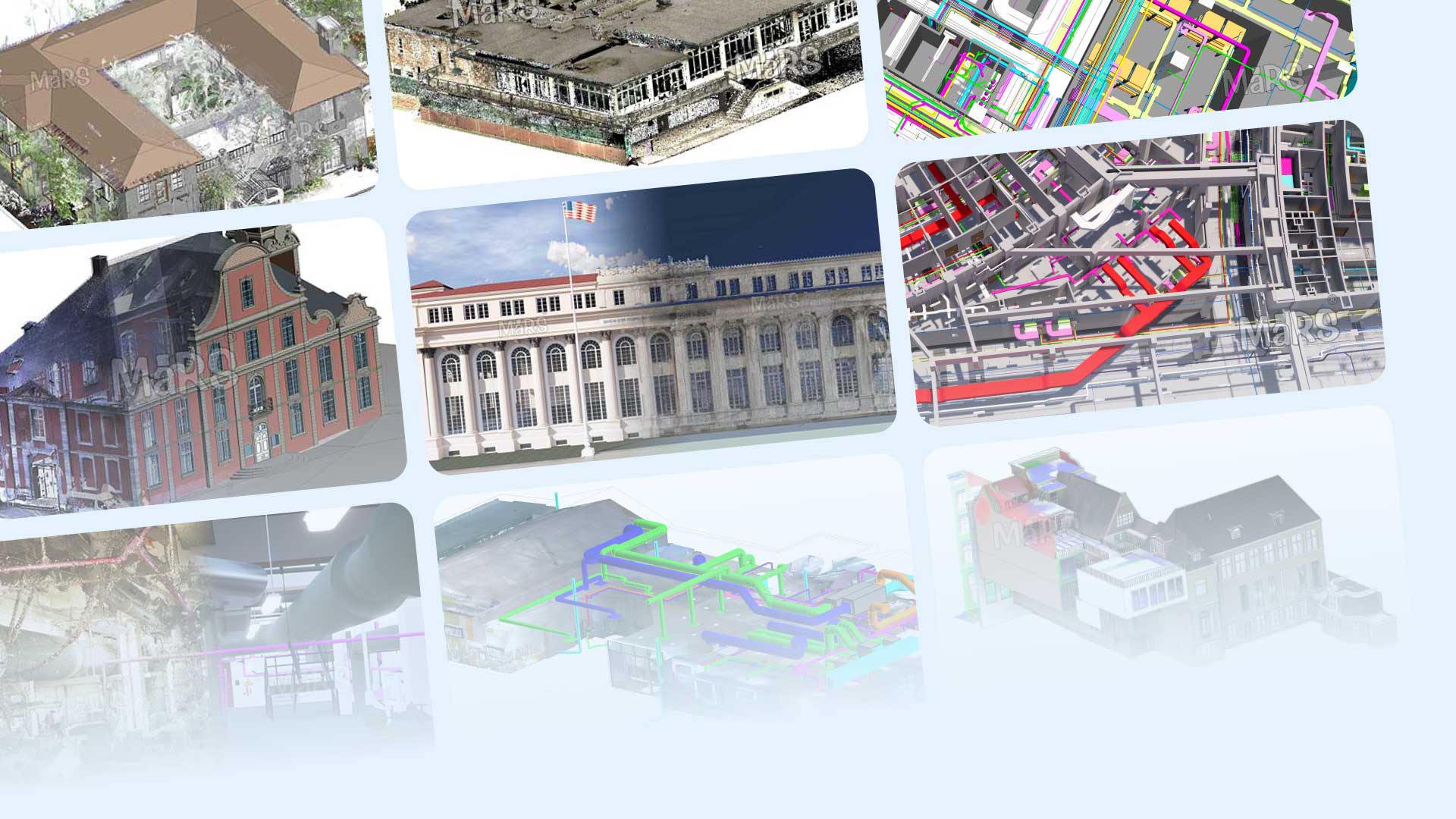
Our Scan to BIM Projects
Discover how we transform physical structures into detailed digital models with our Scan to BIM expertise.
Scan to BIM Resources
Find simple, helpful resources on Scan to BIM. Our collection offers easy-to-understand guides, tips, and updates to support your projects.
Industries We Serve
Explore the industries we serve with Scan to BIM, from residential projects to airports, delivering accurate digital models.